

Drawing to CAD
Your drawing. Your part.
Editable CAD.
Upload your part drawing to start a CAD reconstruction. Confirm the dimensions, clarify missing details, and inspect the generated model before downloading or ordering a print.
PNG, JPG, WebP or PDF, up to 12 MB · You confirm the dimensions before anything is built
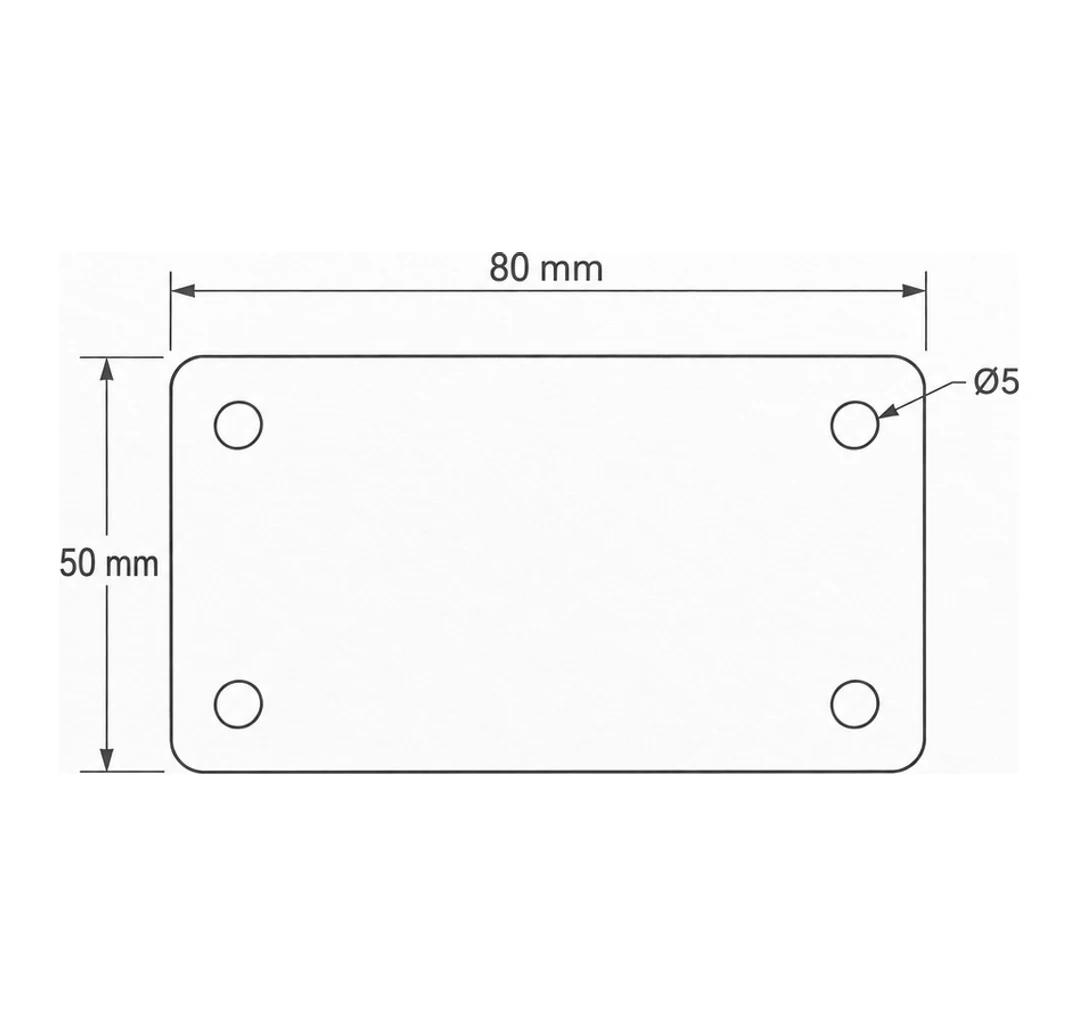
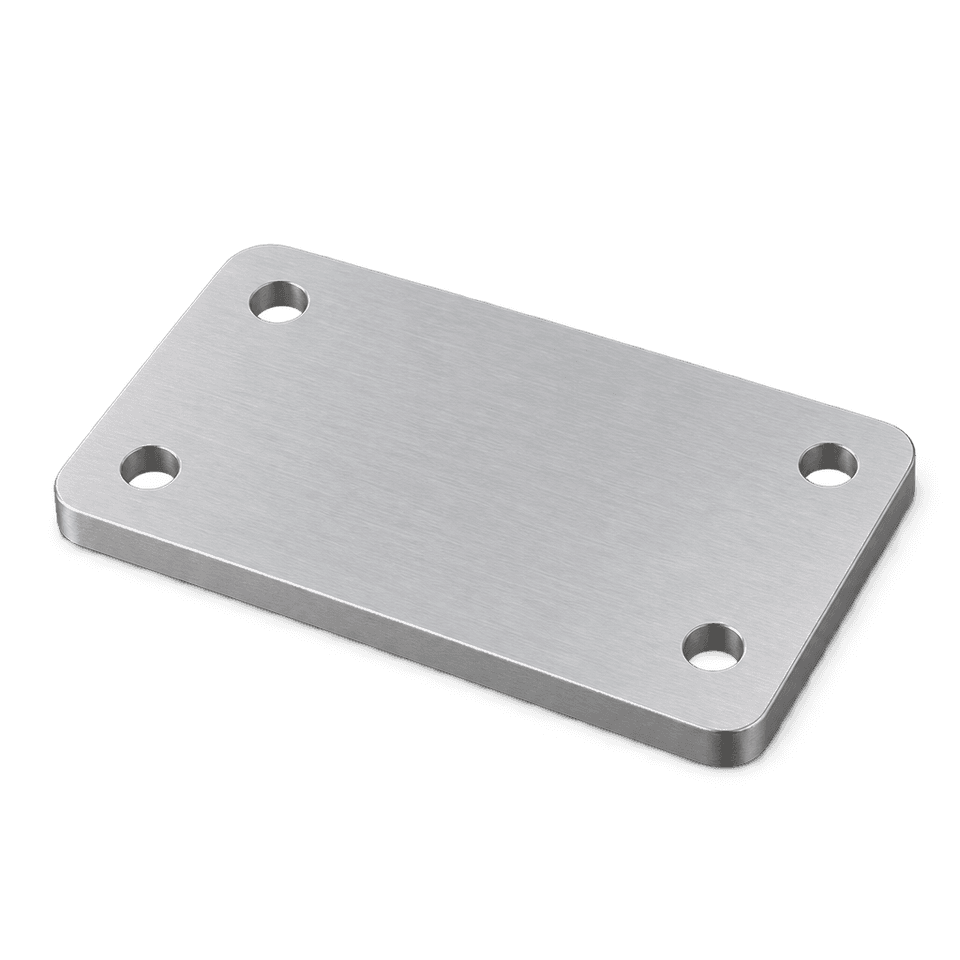
- STEP
- STL
- 3MF
Illustrative example
From drawing to download.

01
Upload your drawing
A dimensioned drawing, or a clear sketch (PNG, JPG, WebP or PDF).
02
Clarify & confirm
We ask about anything missing or unclear. You confirm the key measurements.

03
Generate & inspect
The interpretation is built into a CAD model and checked against what you confirmed. You inspect it.
04
Download or print
Get your CAD files or a 3D printing quote.
AI reads the drawing. The result is checked against the requirements you confirm — never against a guess.
Every part starts with a drawing.
Illustrative examples of parts described by a dimensioned drawing.
Mounting plate
Illustrative
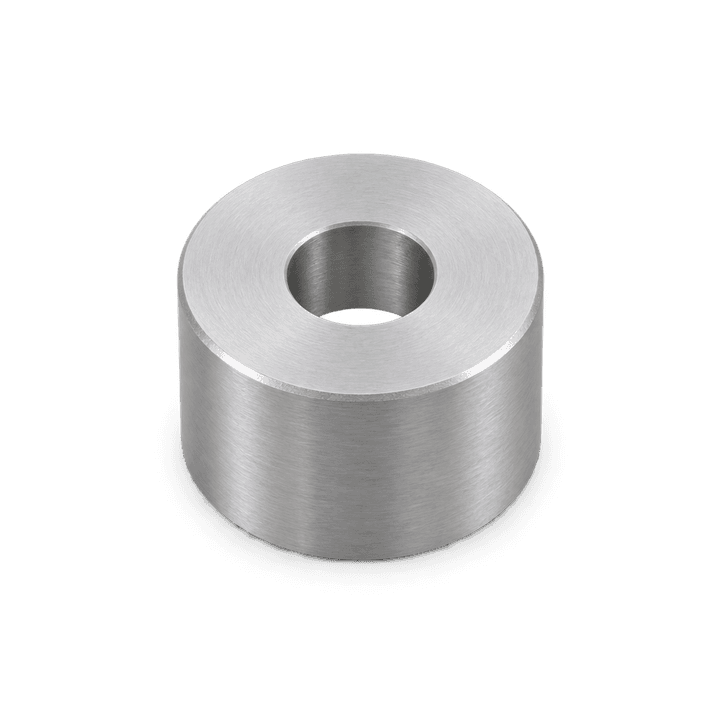
Spacer
Illustrative
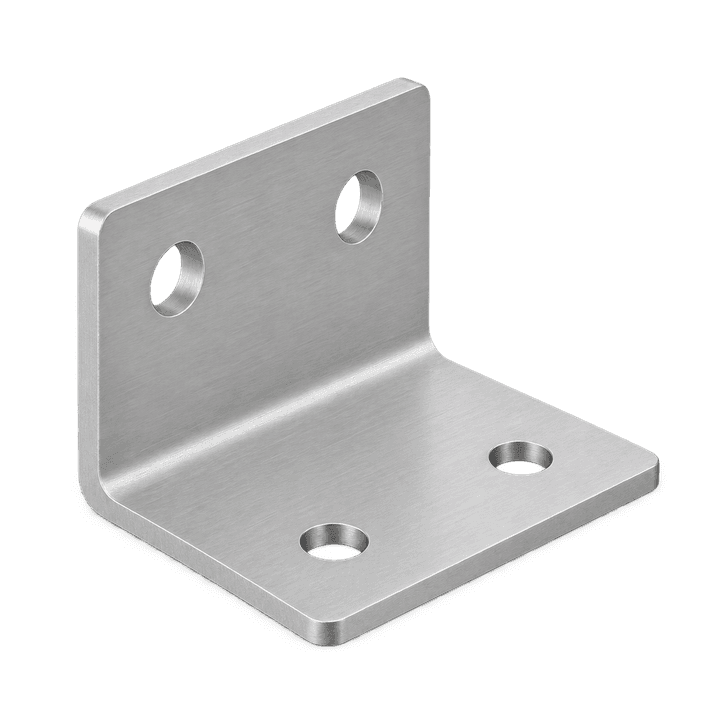
Simple bracket
Illustrative
Drawing requirements
Clear views and dimensions improve accuracy. If something is missing, you get a specific question — not a rejection. You do not need a complete engineering drawing to start.
 Dimensions and units, where available
 Extra views or sections that reveal hidden geometry
 Hole sizes, wall thicknesses and other key features
 More views when we ask for clarification
PNG, JPG, WebP or PDF, up to 12 MB.
Drawing requirementsOne part or your next twenty.
Pay for one part, or buy credits. One credit unlocks one finished part. Buy a balance up front, spend it whenever.
One-time
$25
1 part
Pay once for a single part, when it is ready — available today.
Starter
$19
3 credits · 3 parts
$6.33 per part
Final sale. Credits never expire; a spent credit is not refundable.
Maker
$39
8 credits · 8 parts
$4.88 per part
Final sale. Credits never expire; a spent credit is not refundable.
Studio
$79
20 credits · 20 parts
$3.95 per part
Final sale. Credits never expire; a spent credit is not refundable.
Every option includes STEP, STL & 3MF · See the model before you pay
Credits do not expire and there is nothing to cancel. Unlocked files stay accessible on your account.
Questions, answered.
- What do I get?
- STEP, STL and 3MF files of the built part, kept on your account for re-download. STEP is the editable engineering format; STL and 3MF are the print-ready meshes.
- What drawings work?
- A dimensioned drawing, a clear sketch or a photo of a drawing, as PNG, JPG, WebP or PDF. Written dimensions and units are read as stated; a dimension the drawing does not state is asked for by name, never guessed.
- What can it build today?
- Right now the automatic path builds a single flat rectangular plate of constant thickness, optionally with four through-holes of one diameter on a rectangular pattern, and optionally with the four outer vertical corners filleted to one radius. A drawing with a feature beyond that is held and the project says which feature; it is never approximated.
- How do I know the model is right?
- Every dimension read from the drawing is shown with its source before anything is built, you confirm the values, and the finished model is measured against what you confirmed. You inspect the model before you pay.
- What does it cost?
- Uploading, reading and building are free. Unlocking a built part's files costs $25. Prepaid packs of 3 credits for $19, 8 credits for $39, 20 credits for $79 bring the price per part down. Parts that need a human designer are quoted separately.
- Do credits expire?
- No. Credits are bought once, never expire and nothing renews. One credit unlocks one part.
- Can you print the part?
- Yes. A built part can be sent straight to a 3D printing quote, and a paid print order includes the part's files.
More on what makes a drawing readable: drawing requirements.
Need the part, not just the file?
Choose material and quantity using our printing quote service. CAD files are included with a paid print order.
Printing quoted separately.